One API. Two lanes. Your agent drives.
Built for your coding agent to set up.
§01Setup
Seven steps. You do two of them.
What happens after “set up my emails”.
Your agentYou
- 01Connectagent
get_started - 02Add templatesagent
add_essential_templates - 03Wire up your appagent
npm install mailpark - 04Test every emailagent
send_test_email - 05Build onboardingagent
create_sequence - 06Add your domainagent
setup_domainyouPaste the DNS records - 07Go liveyouOne switch in the web app
app.mailpark.dev/domains/acme.dev
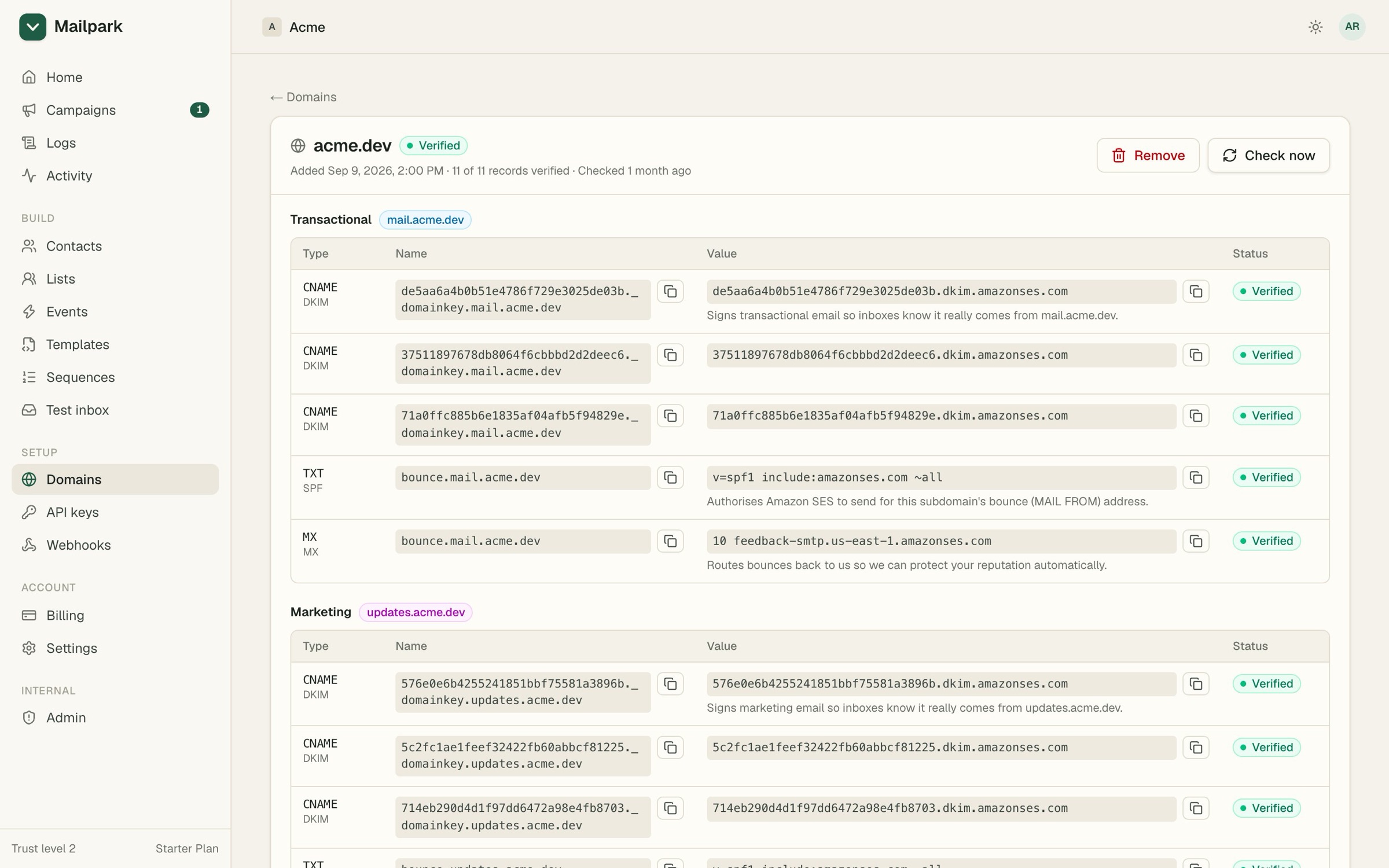
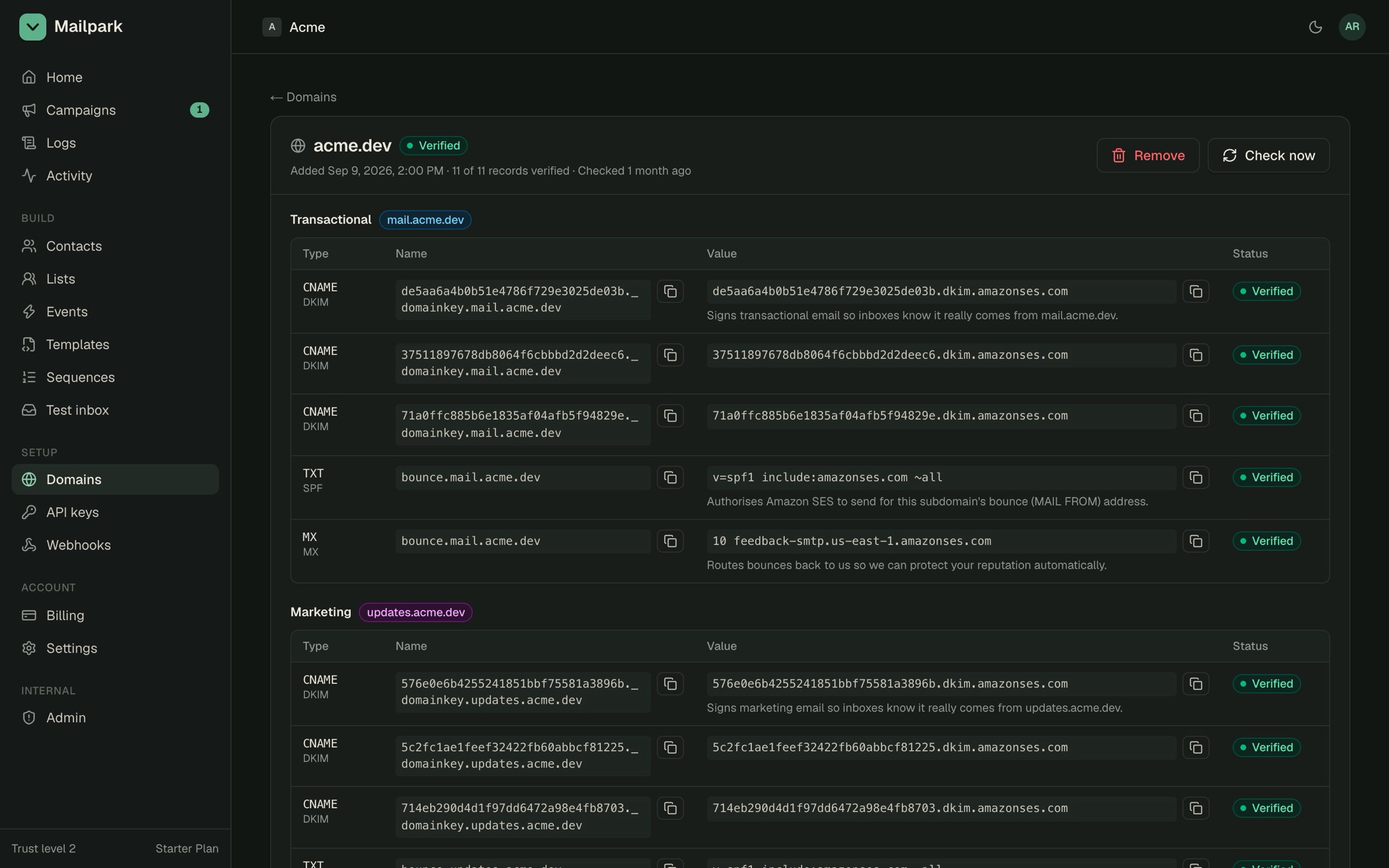
- 1Two subdomains, one per lane
- 2Each record explained
- 3Checked live
§02Two lanes
Transactional always wins.
A held broadcast never delays a password reset.
mail.acme.dev
transactional
- –Priority queue
- –No marketing limits
updates.acme.dev
marketing
- –Daily limit grows with trust
- –Unsubscribe link, always
§03Sequences
Onboarding that stops when it’s worked.
An event starts it. Another ends it.
app.mailpark.dev/sequences/seq_demo_onboarding
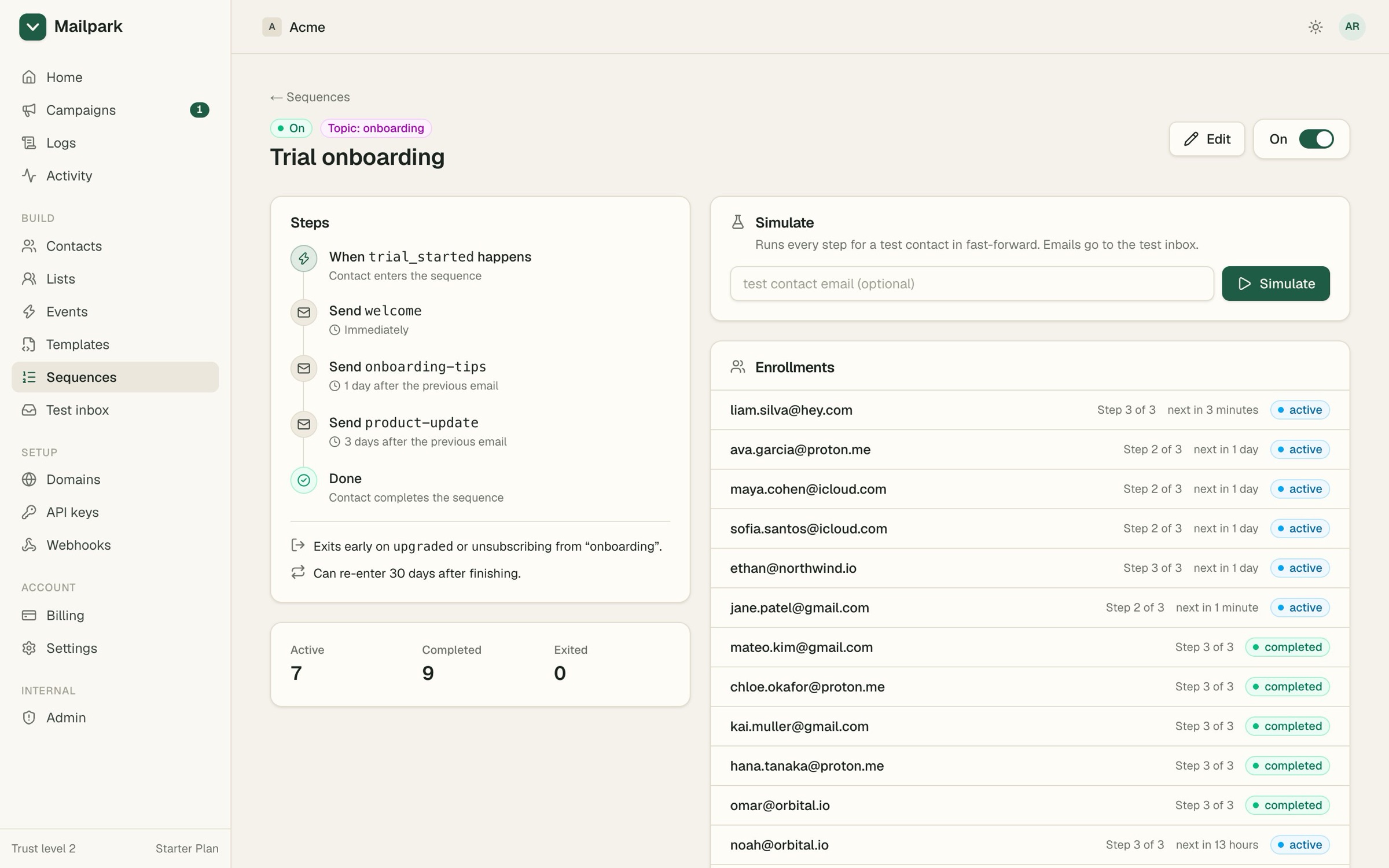
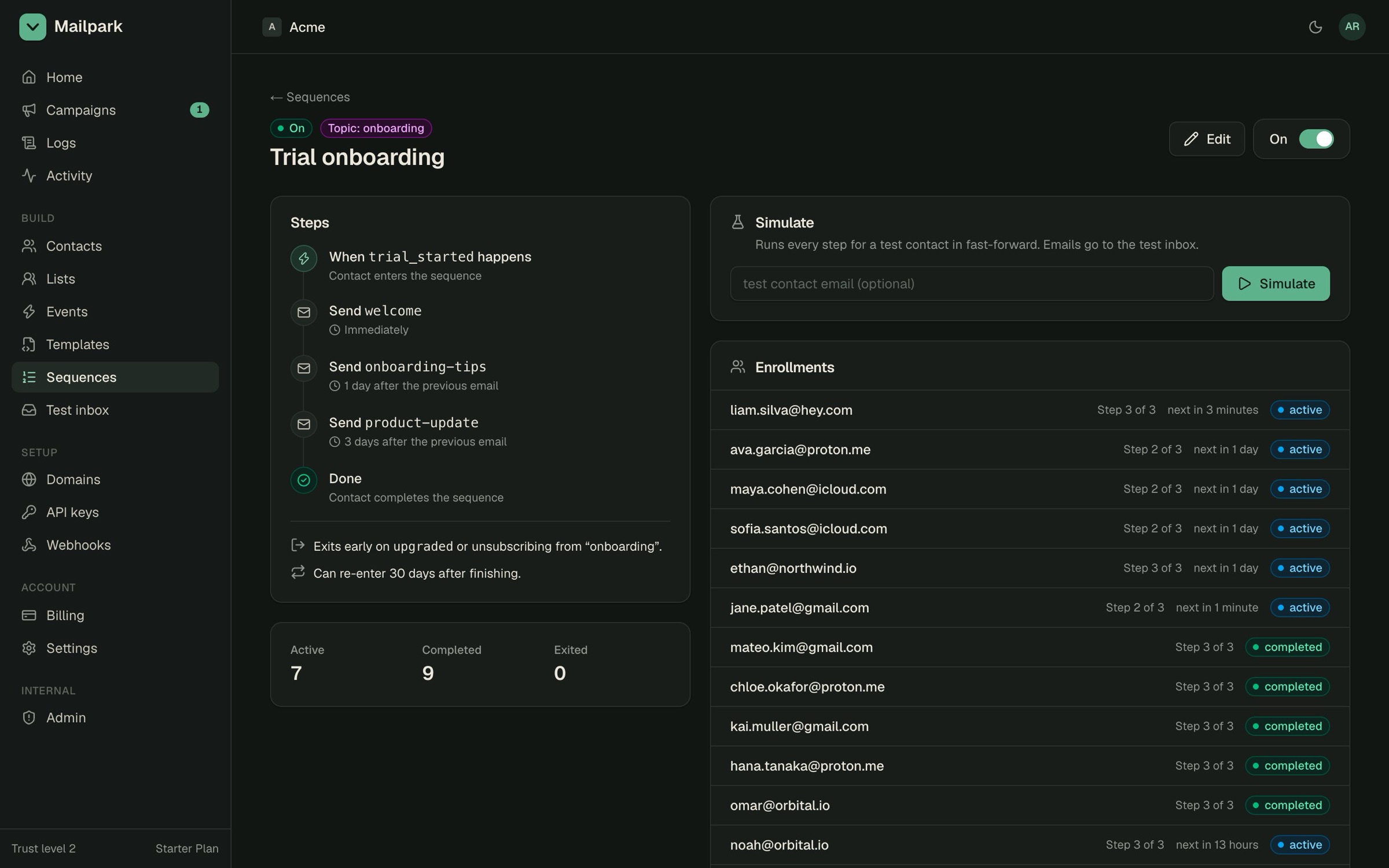
- 1Trigger and steps
- 2Exits early on upgrade
- 3Fast-forward a week
- 4Who’s where
§04Plain language
“Why didn’t Jane get their reset email?”
Every email in the logs explains itself.
app.mailpark.dev/logs/msg_01M4MG5A6GNZ1AYGJN47A79YFB
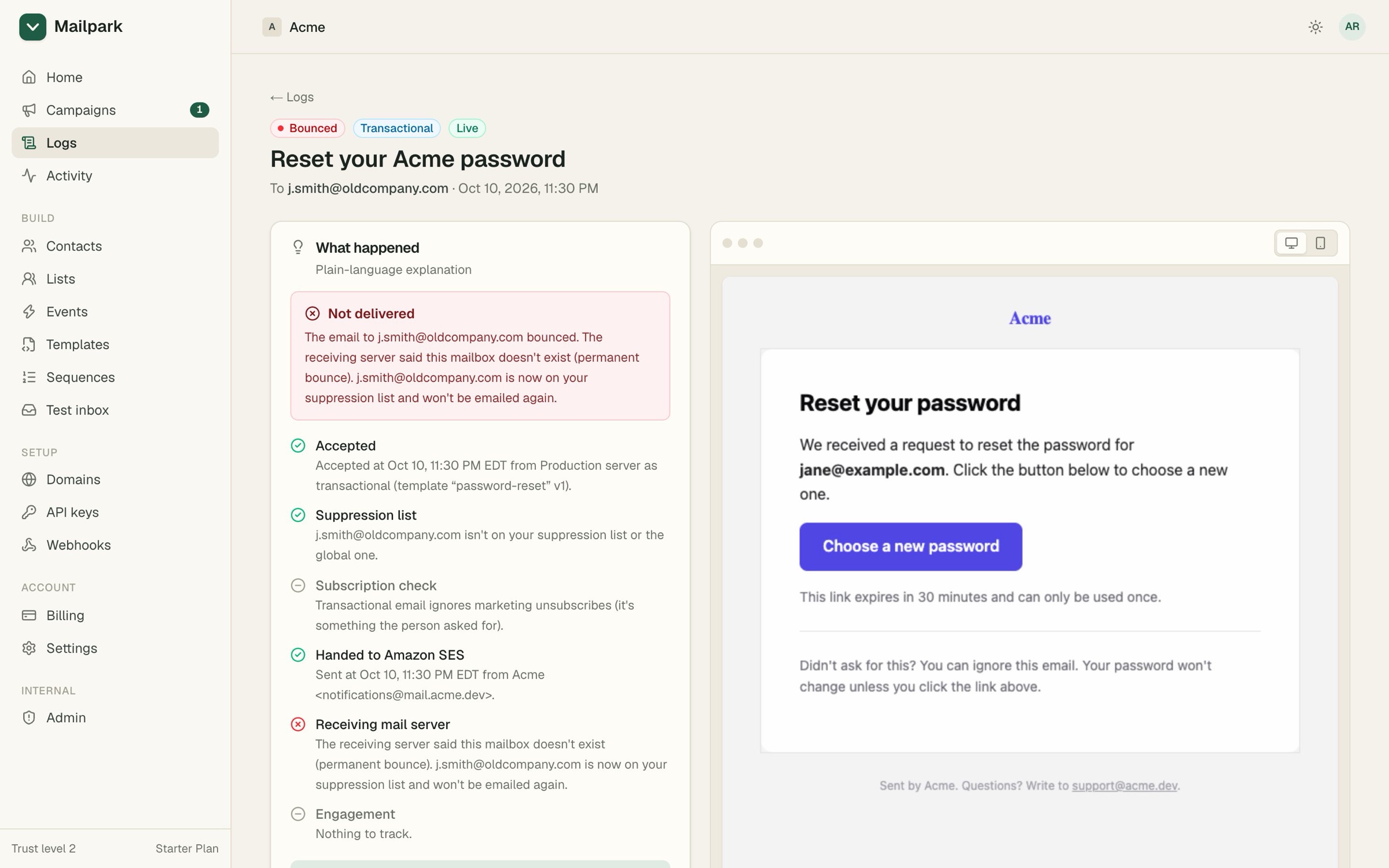
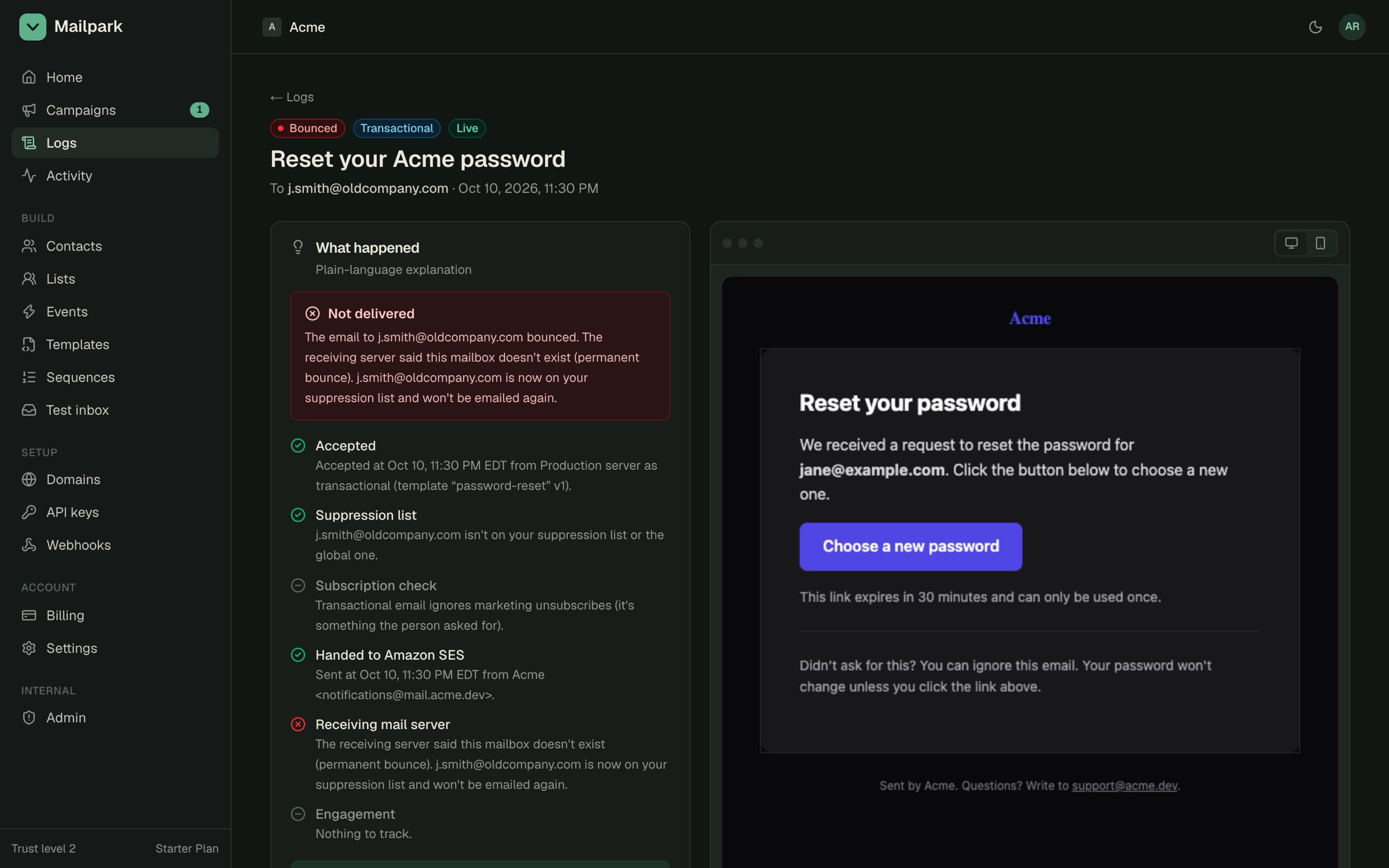
- 1What happened, in words
- 2Every stage, checked
- 3The exact email sent
§05Ways in
Agent-first, not agent-only.
- MCP serverfor Claude Code, Codex, Cursor
Every job as a tool.
- CLIfor you and for scripts
Every command takes --json.
- SDKfor your app’s code
Typed, with safe retries.
§06Start
- 1Connect your agent
- 2Ask for what you want“set up my emails”
- 3Or wire it in by hand